cat ~/field-notes/tillway-payment-order-payout-clarity.md
A payment succeeded. What happens next? Why we’re building Tillway
A customer says they have paid. The shop still shows an unpaid order. Someone checks the payment dashboard, someone else searches their messages, and the customer waits for an answer.
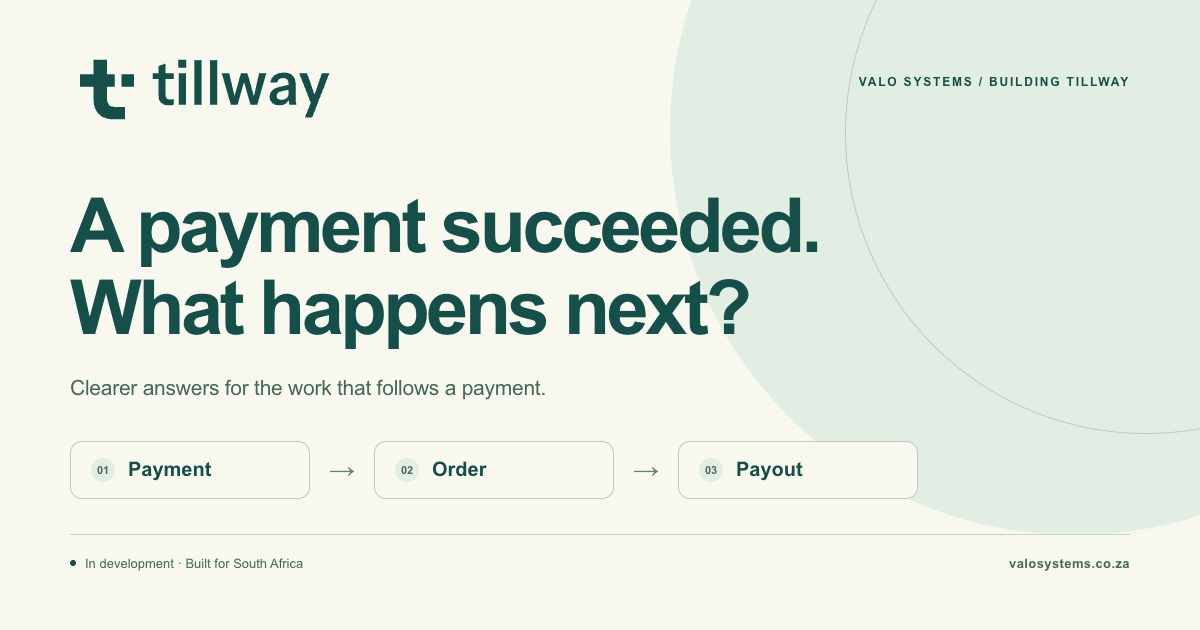
This is an illustrative scenario, but it captures the problem we are exploring with Tillway: helping a business follow a sale from payment confirmation to the order update and eventual payout.
Tillway is in development for South Africa. Its current demo uses sample data and simulated payments; no money moves. This article explains the problem and offers a checklist you can use with your existing tools.
[01]
The sale continues after checkout
A checkout result answers one part of the customer’s journey. The business also needs to know whether the result has reached the order record, whether the team can fulfil that order, and how the payment relates to a later payout.
When those answers live in different places, the work falls to people. Staff compare references, reopen dashboards and ask colleagues for context. The customer sees a delay, while the team sees several records that need to agree.
Before changing software, make those handovers visible. Start with one sale and write down where each answer comes from and who acts on it.
[02]
Ask three separate questions
A useful starting point is to distinguish the payment, the order and the payout. They describe different parts of the same sale, so a status in one place should not be used as a shortcut for all three.
- Payment: what result does the payment provider’s own record show for this reference?
- Order: has the store recorded that result, and what should the fulfilment team do next?
- Payout: which payout includes this payment, and can the business explain the amount received?
[03]
A practical checklist for an unclear payment
Use your provider’s documented process when a customer reports a payment that the order does not reflect. The following checklist helps you gather the context before a staff member or support team investigates.
- Find the order reference, expected amount and approximate payment time.
- Check the matching transaction in the provider’s own records. A customer screenshot is a clue to investigate; confirm the result in the system responsible for the payment.
- Compare that result with the store’s order status. Record any mismatch rather than assuming an unpaid order means the customer must pay again.
- Give one person responsibility for the next check and tell the customer when they can expect an update.
- When the payout is available, match the payment against the payout record and account for the fees, refunds or other adjustments shown there.
- Record how the issue was resolved so the next staff member has the full context. Keep customer information in the business’s approved systems.
[04]
What to ask before adding another payment tool
Choose a recent order and ask your team to trace it using the tools you already have. Include an exception, such as a pending result or a refund, as well as a straightforward sale. Use test or anonymised records when demonstrating the workflow.
Notice where someone has to copy a reference, ask another person for access, or interpret an unclear status. Those moments give you a concrete brief for improving the process or evaluating a new tool.
- Can the team find the same sale across the payment and order records?
- Can staff explain what a pending or unsuccessful result means for the next action?
- Is it clear who investigates a mismatch and what information support needs?
- Can the business trace a payment into its payout and explain any adjustments?
[05]
The direction behind Tillway
We’re building Tillway around a simple idea: “Every sale, connected.” The goal is to make the journey between payment, store update and payout easier to follow, so a merchant can see where attention is needed.
The public concept focuses on clear tracking, a straightforward integration experience and access to human support. These are the principles guiding development. The current prototype lets people explore the intended experience using sample scenarios.
For us, the useful starting question is the merchant’s own: “What happened to this sale, and what do I do next?” That question gives the product a practical purpose and gives us something specific to learn from business owners.
[06]
Where the project stands
Tillway is a prelaunch project. The payment and merchant screens are simulations using sample data. They do not process live payments or move money, and the demo does not establish that a payment method, store integration or banking connection is available.
The public Tillway website introduces the concept and offers a waitlist for updates. If you run a business or build online stores, we would also like to hear where payment tracking becomes difficult in your workflow.
You can describe that friction without sharing customer records, account details or confidential business information. A simple account of the steps your team takes is enough to begin the conversation.
[share_the_problem]
Where does your payment trail become unclear?
Tell us which step causes confusion for your team: confirming payment, updating an order or understanding a payout. Share the workflow, without customer or account details.
Talk to VALO about the payment workflow